
Features
Featherweight
Extremely low memory and CPU overhead. waftty stays out of your way, leaving resources for your applications.
Fast and Responsive
Smooth terminal output and responsive typing, even when commands produce large amounts of text.
Image Support
Display images directly in your terminal with support for modern graphics protocols like kitty.
Keyboard-First Navigation
Copy text with Vim-style keyboard navigation, jump directly to links and file paths, and search your scrollback without reaching for the mouse.
Command Palette
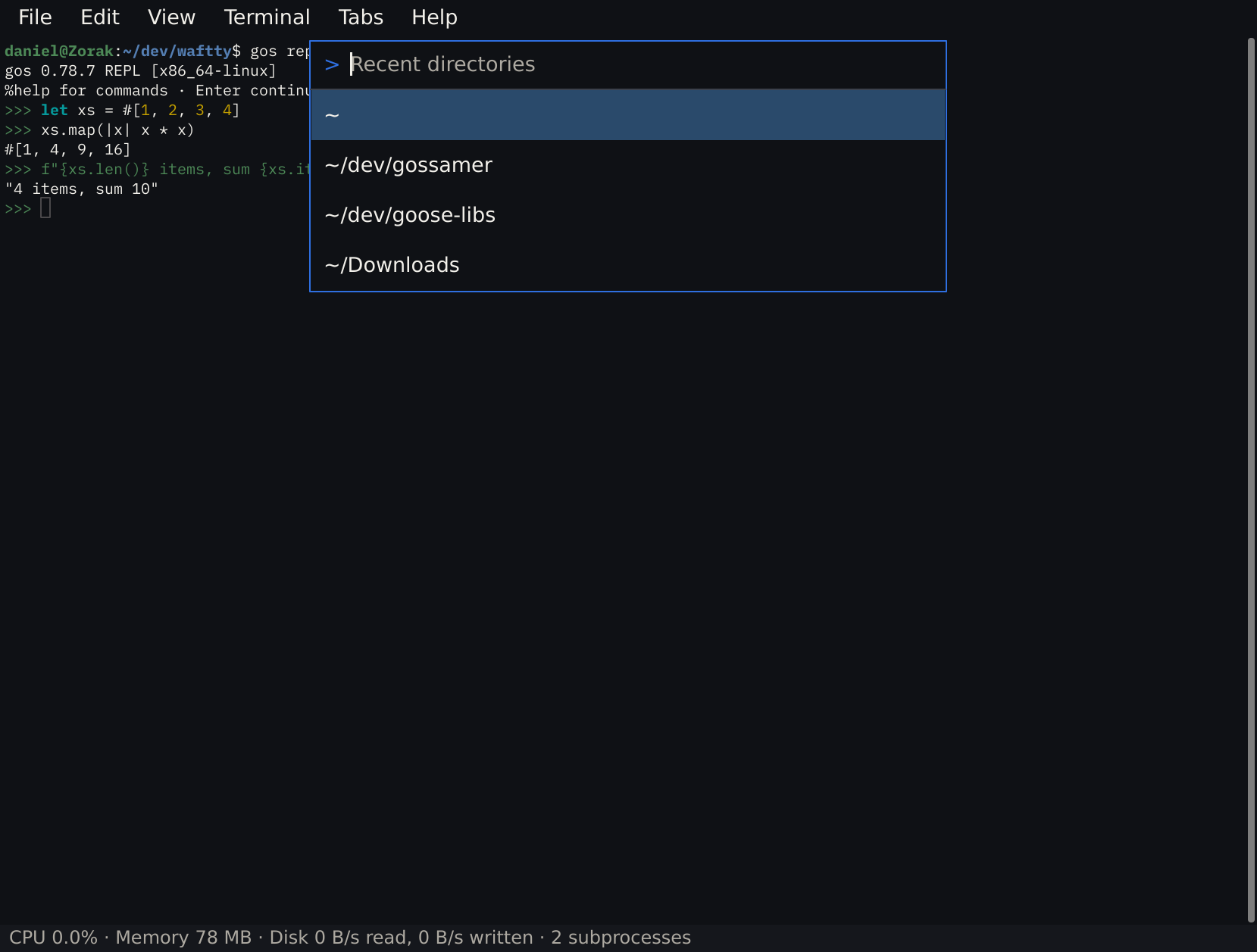
Ctrl+Shift+P (Cmd+Shift+P on macOS) runs any command by typing the start of its name, and Ctrl+Shift+R goes back to a recent directory. The menu bar can stay hidden.
Private Windows and Tabs
Open a private window or tab to work in a temporary directory or run dangerous commands without history pollution.
Shell-Aware and Agent-Ready
Jump between command prompts, select command output, and get alerted when a long command finishes or a coding agent such as Codex, Claude Code, pi or mini-swe-agent needs you.
Modern Terminal Features
Font ligatures, OpenType features, variable fonts and color emoji, the kitty keyboard protocol, clickable code paths, customizable shortcuts, and themes.
Built With
waftty is written in Gossamer on the gui-gos toolkit, built on a core of Rust and SDL3.
Terminal emulation comes from a lite fork of WezTerm's terminal core wezterm-lite.